
Google Play Store
Google Play Store is Google's digital distribution platform for Android, used to find, install and update apps, games and books.
101.1 MB

4.8.4 · Rahul Kumar Patel · Page updated
Aurora Store is a free and open-source Android app that works as an alternative to the Google Play Store app, distributed under the GPL.
Average 0.0 · ratings: 0
Thank you! Your rating is saved; you can change it. Could not save the rating. Please try again later. Too many ratings from your network today. Please try again tomorrow. The average appears after 5 ratings.
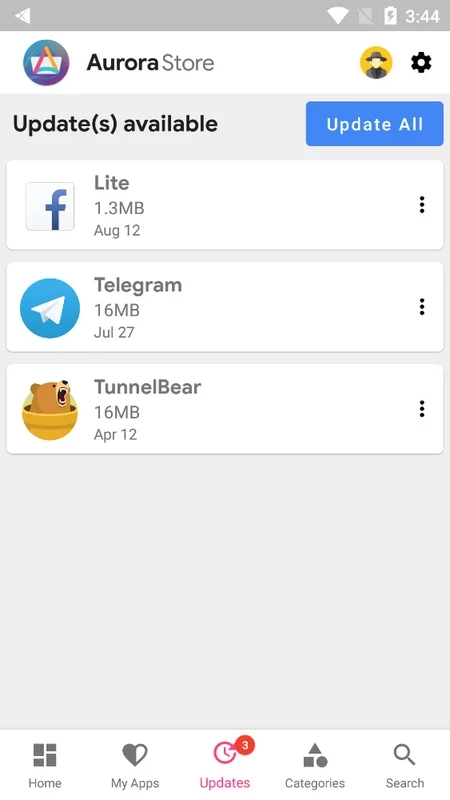
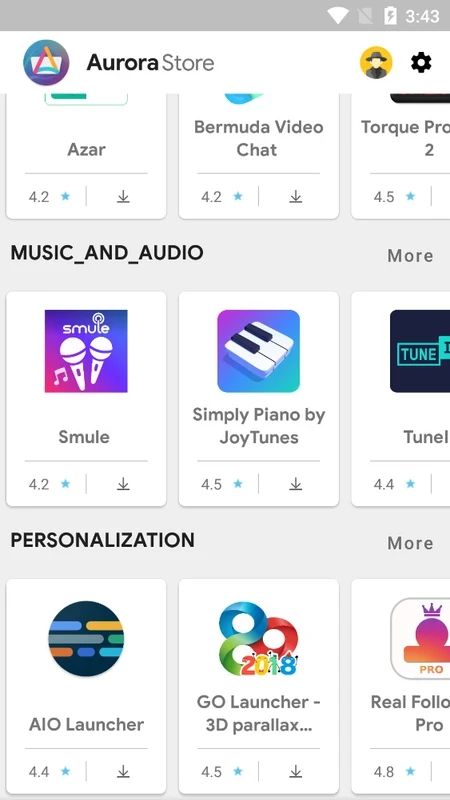
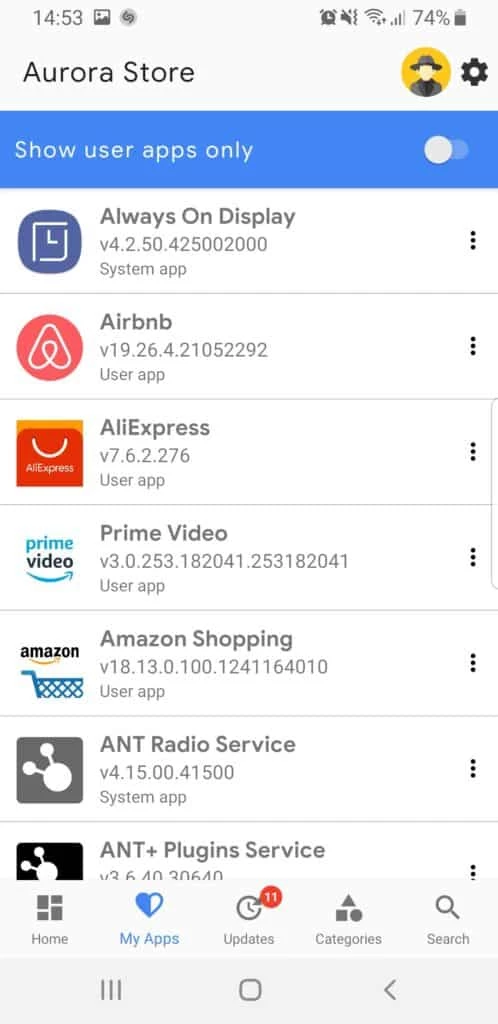
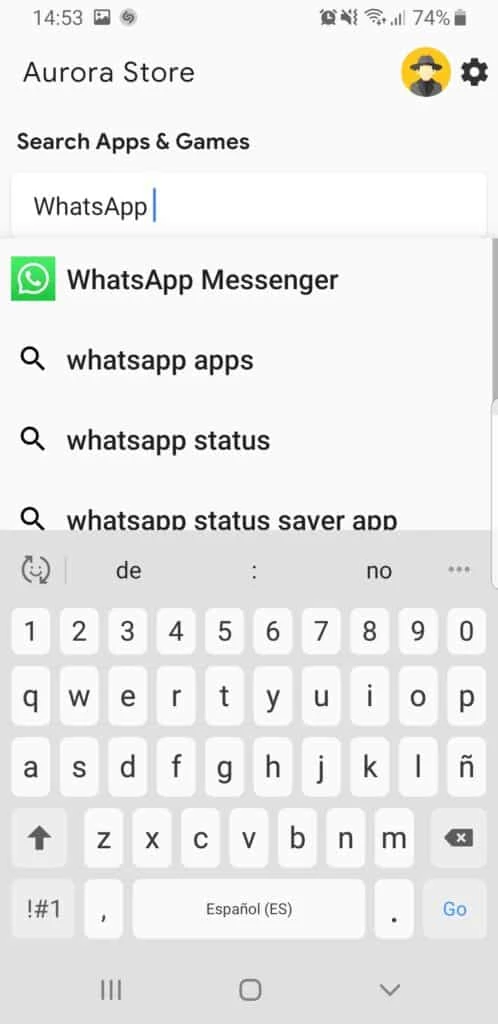
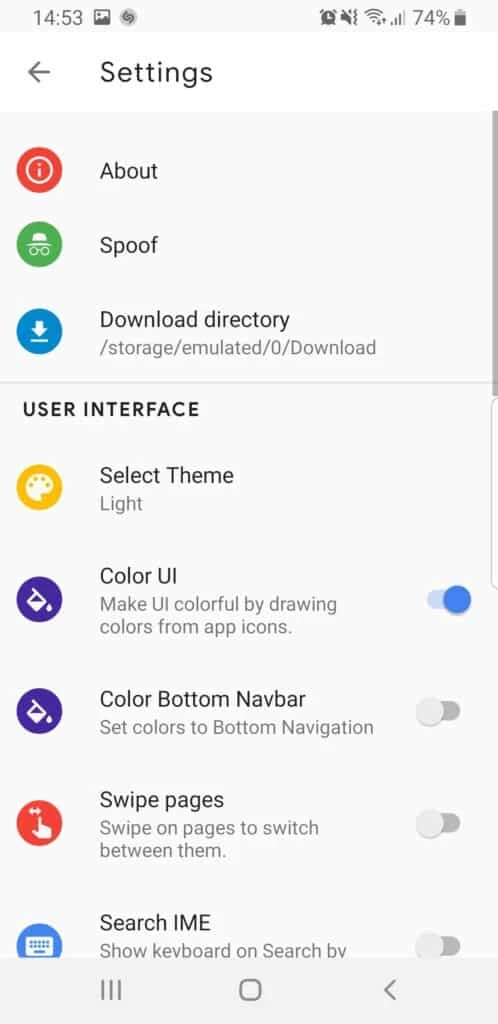
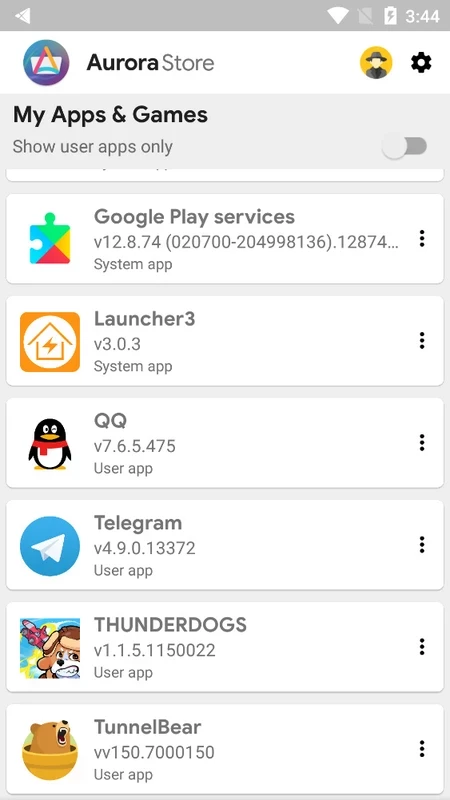
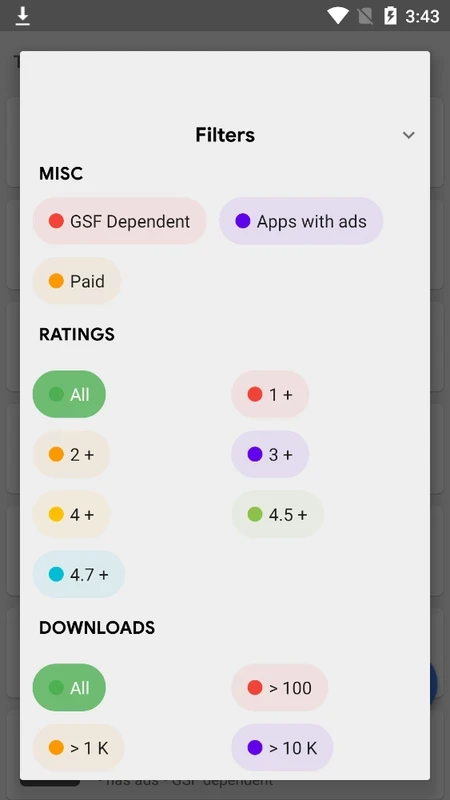
Aurora Store 4.8.4 is a free and open-source alternative to the Google Play Store app for Android, developed by Rahul Kumar Patel. It lets you find and install apps from Google Play through a different client, and you can download Aurora Store from its official GitLab repository.
On most Android phones, apps come from the Google Play Store app, which depends on Google's services and a signed-in Google account. Aurora Store takes another route: it is an independent client that gives you access to the same catalogue of apps without using Google's own store app. That makes it popular with people who use phones without Google services, custom Android systems or devices where they prefer to keep Google's software to a minimum. Because the project is open source under the GNU General Public License, version 3.0, anyone can read the code on GitLab, and the community can check how it works. It is important to understand what Aurora Store is not: it is not a separate store with its own apps, and it does not change the apps it installs. Apps are still the original packages, so updates and bugs come from their developers as usual.
| Item | Details |
|---|---|
| Version | 4.8.4 |
| Developer | Rahul Kumar Patel |
| Platform | Android |
| Licence | GNU General Public License, version 3.0 |
| Earlier lines | 3.2.9, 4.0.5 |
| Source code | GitLab (AuroraOSS) |
| Size | about 8.92 MB according to catalogue data |
Paid apps and apps linked to your purchases still depend on the account that bought them. Some apps check for Google's services and may not work fully on phones without them, no matter which store installed them. Keep Aurora Store updated through its official channels, and be wary of copies on APK portals that claim to be newer or "premium" versions: the real project is free and published in the open.
An app installer has the power to put any software on your phone, so the source of the installer matters. Download it only from the project's repository or channels it links to. Review the permissions of every app you install through it, exactly as you would in the official store.
Our listings include the Google Play Store itself, and Aptoide, APKPure, Uptodown App Store and Huawei AppGallery as other app stores for Android.
Google Play Store is Google's digital distribution platform for Android, used to find, install and update apps, games and books.

APKPure is a third-party app marketplace for Android that installs apps from APK files outside Google Play. This page covers version 3.20.7803.

Aptoide is an open-source alternative app store for Android, running since 2009. This page covers version 9.22.5.3.

QuickShortcutMaker is a small Android tool for creating home screen shortcuts to specific screens of installed apps, including hidden settings.